Android · On Google Play
PyPad
Write and run real Python on your phone, and play the games you make, entirely on your device.
PyPad is a complete Python programming environment that runs on your phone. It bundles a real CPython 3.14 interpreter and pygame-ce, so you can write a script, tap Run, and watch it execute in a console or take over the screen as a full-speed game. It needs no account and no internet connection to run: everything is on your device and stays there.
Two editions, one app
Both editions are the same PyPad, built from the same code, with every feature in both. The only difference is how the app is paid for.
PyPad (Ads), free
The same app, kept free by an occasional ad between activities. Ads are never personalized and are limited to general-audience content, and where the law asks for your consent you can decline in one tap and keep using the app without ads. Available in 140 countries. Not offered in the EU or the UK for now: advertising there would require paid legal representatives in both, a cost this edition cannot carry yet.
PyPad, $1.99 one time
No ads, no advertising code, and no Internet permission, so it cannot make a network connection even in principle. Sold in 171 countries, including the EU and the UK.
What it does
Real Python, not a toy subset
Full CPython 3.14 lives inside the app, with the standard library. If it runs on a desktop, the language behaves the same way here.
Games that run at full speed
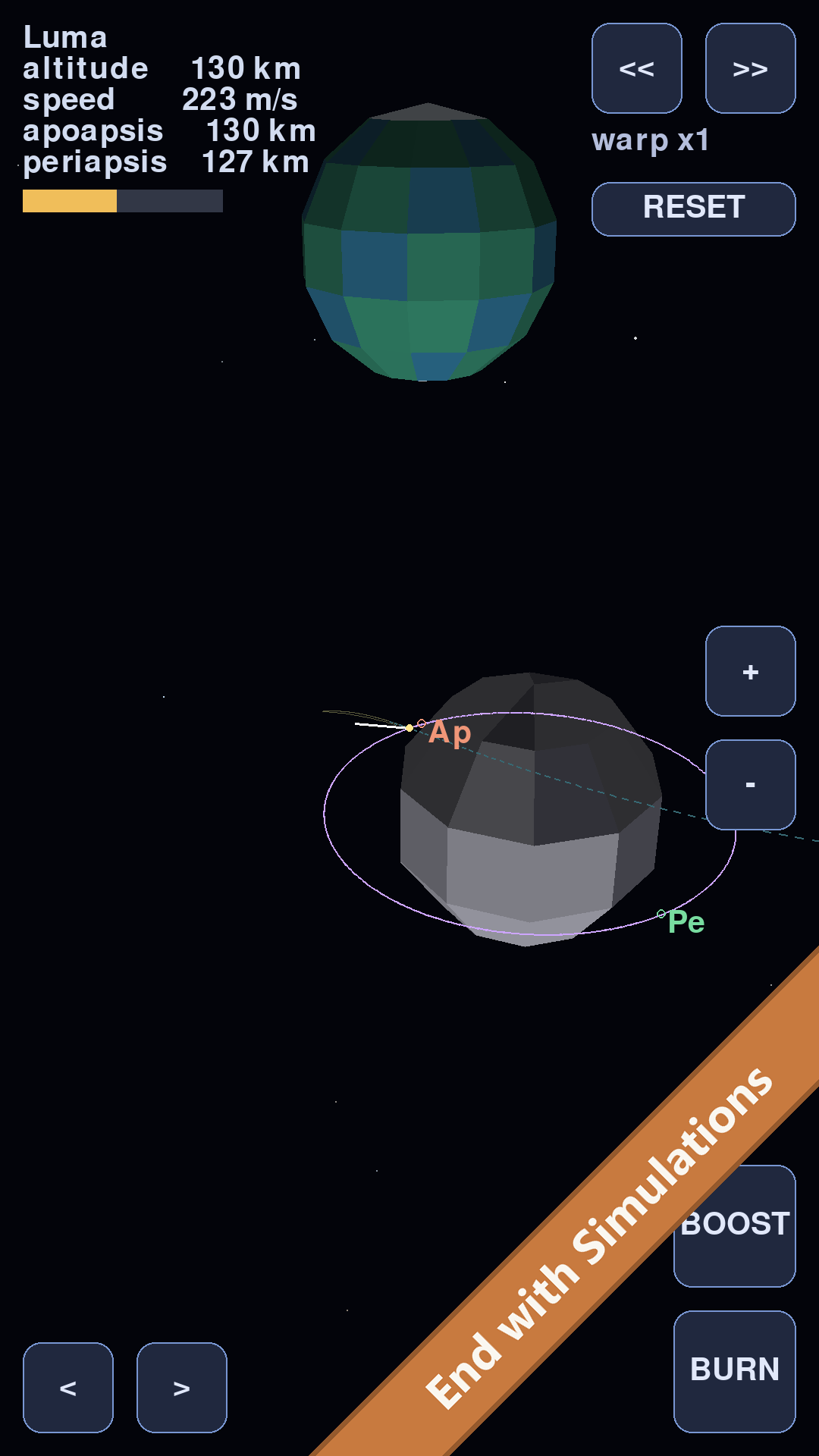
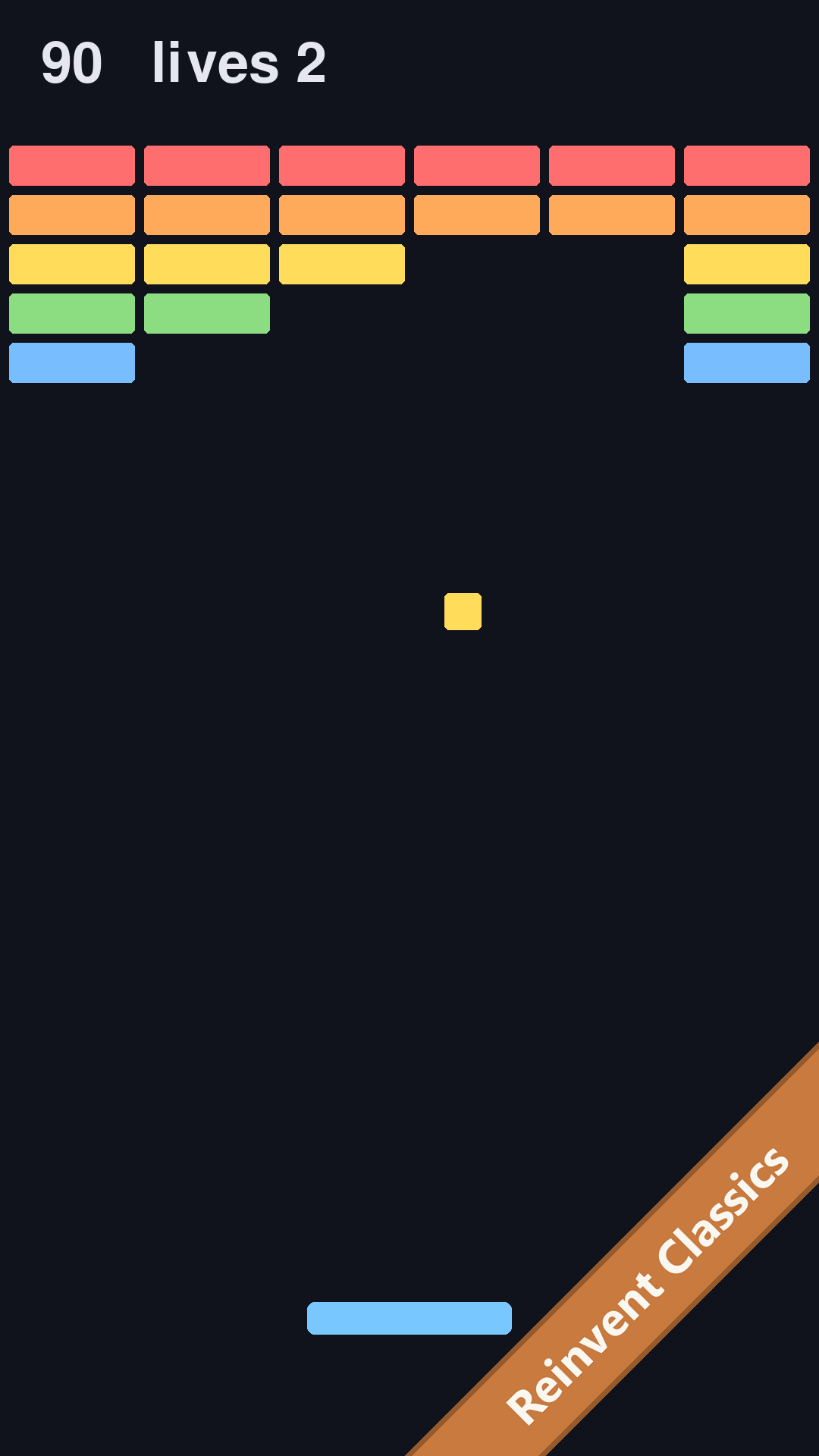
pygame-ce draws to a fullscreen surface at a steady 60 frames per second. It is the same real pygame that runs on desktops, ported to Android.
An editor built for thumbs
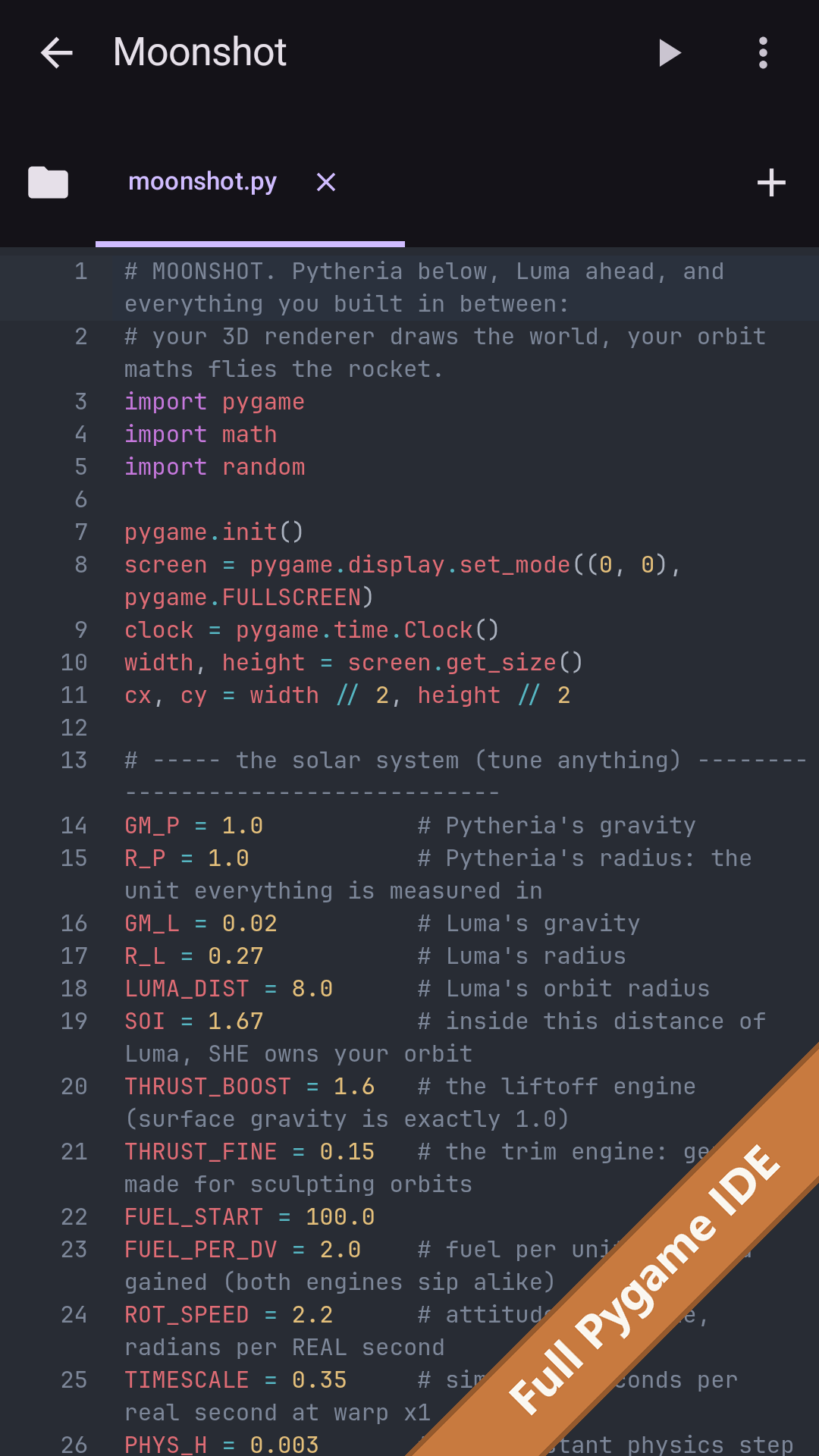
Syntax highlighting, semantic autocomplete, find and replace, a row of programming keys above the keyboard, and errors highlighted at the exact line and column.
Nothing can hang your work
Your code runs in a separate process, so an infinite loop or a crash never takes down the editor, and Stop always works.
Real projects, not single files
Nested folders, images and sounds, import from your device's file picker, and checkpoint-and-restore history for any file.
Learn by playing
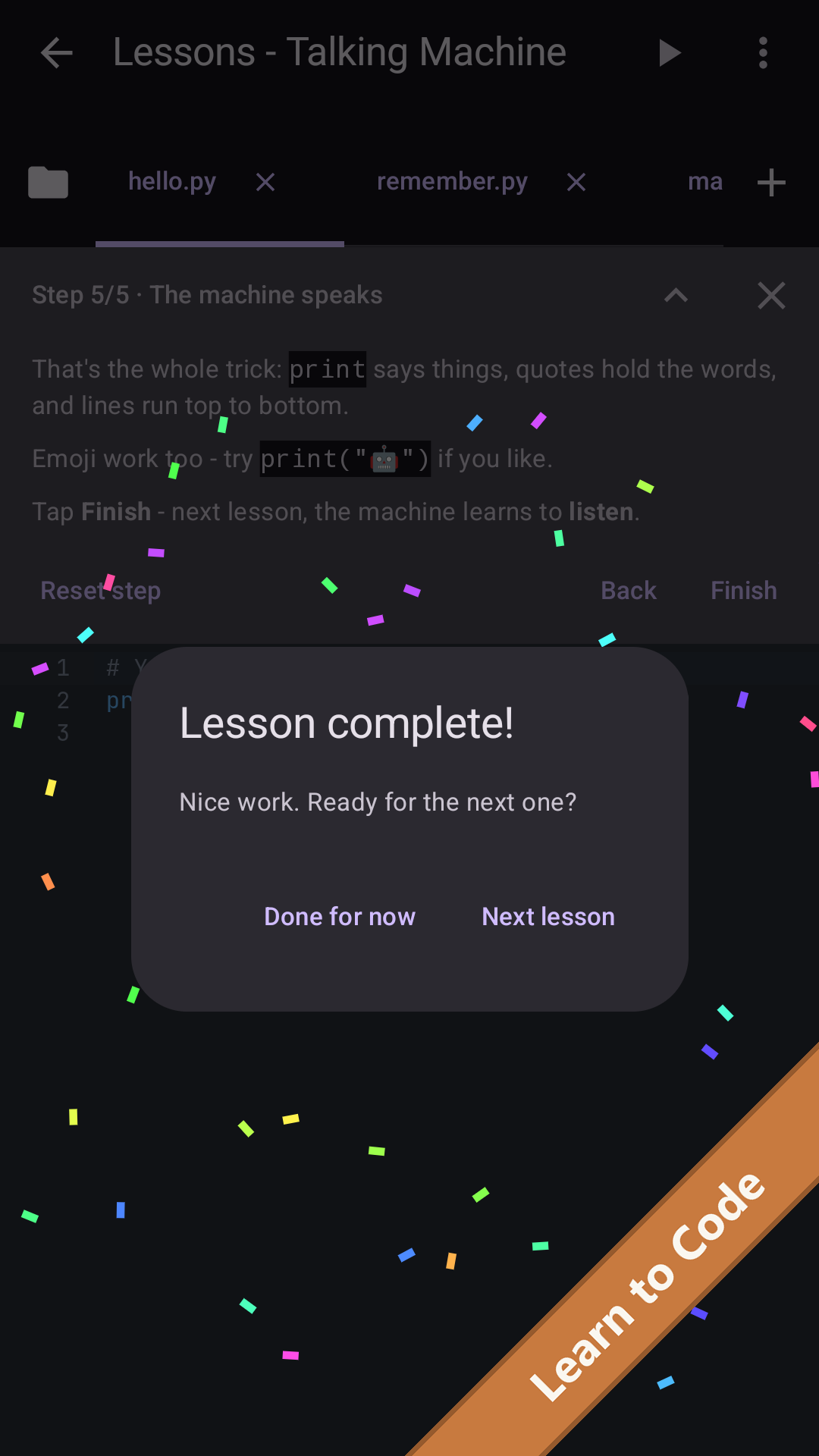
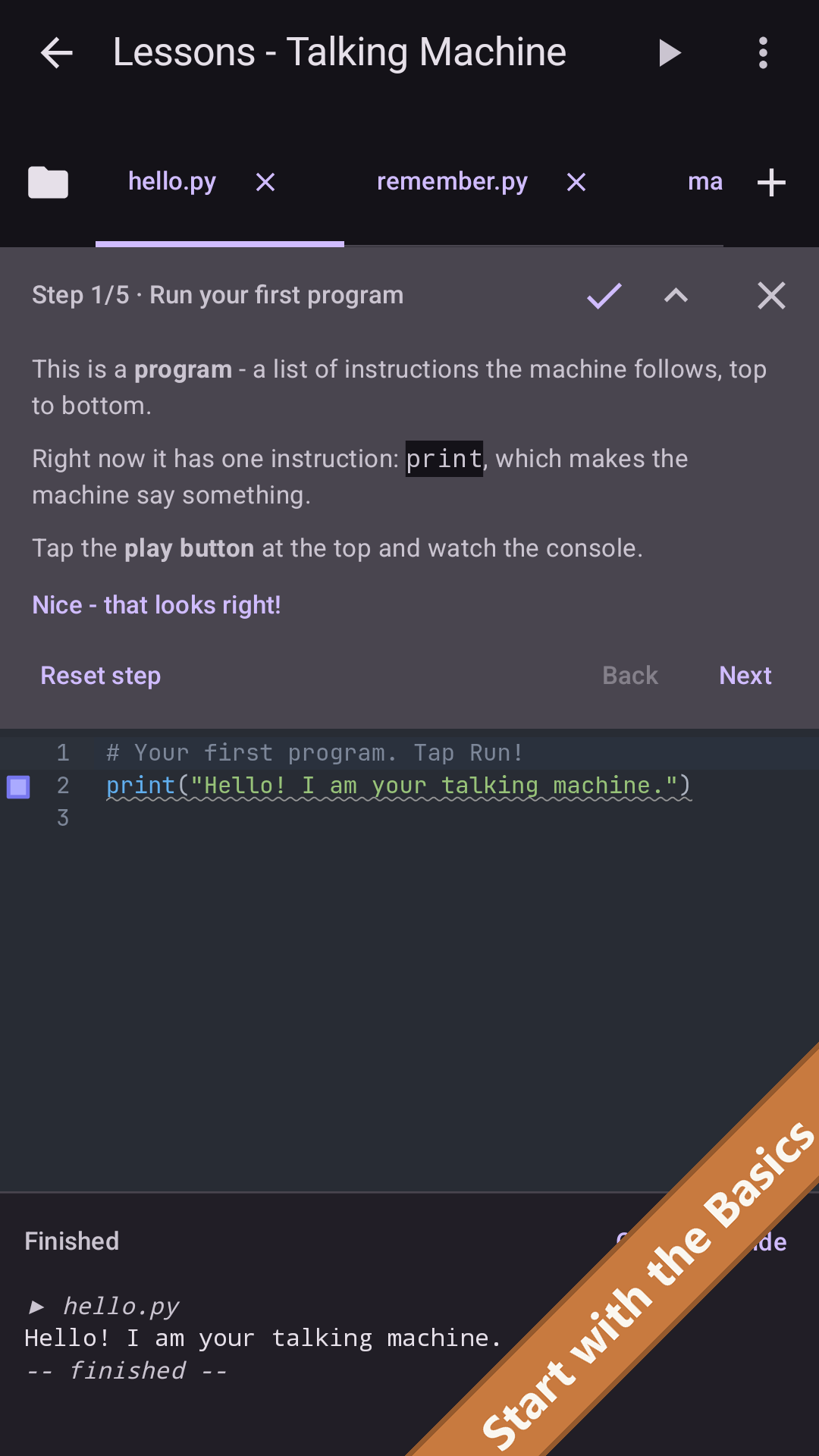
Five built-in samples, from “Hello, world” to a multi-file game with a sprite, sound and score. Each one opens as your own editable copy.
Privacy & permissions
Anatory collects nothing through either edition. That is not a policy position, it is how the app is built: no analytics code and no account system anywhere in it. The paid edition has no advertising code either. The ad-supported edition adds one thing, Google's advertising library, which needs the internet and sends Google what it takes to show an ad; Anatory never receives that data.
- Data collected
- Paid edition: none. No account, no analytics, no advertising, no identifiers. Ad-supported edition: none by Anatory; the advertising library shares your approximate location (from your IP address), ad interactions, diagnostics and an app-set identifier with Google, and never the advertising ID, which the app removes.
- Internet access
- The paid edition does not hold the
INTERNETpermission, so it cannot make a network connection even in principle. The ad-supported edition holds it for the advertising library only. In both editions, your own code cannot use the network. - Permissions requested
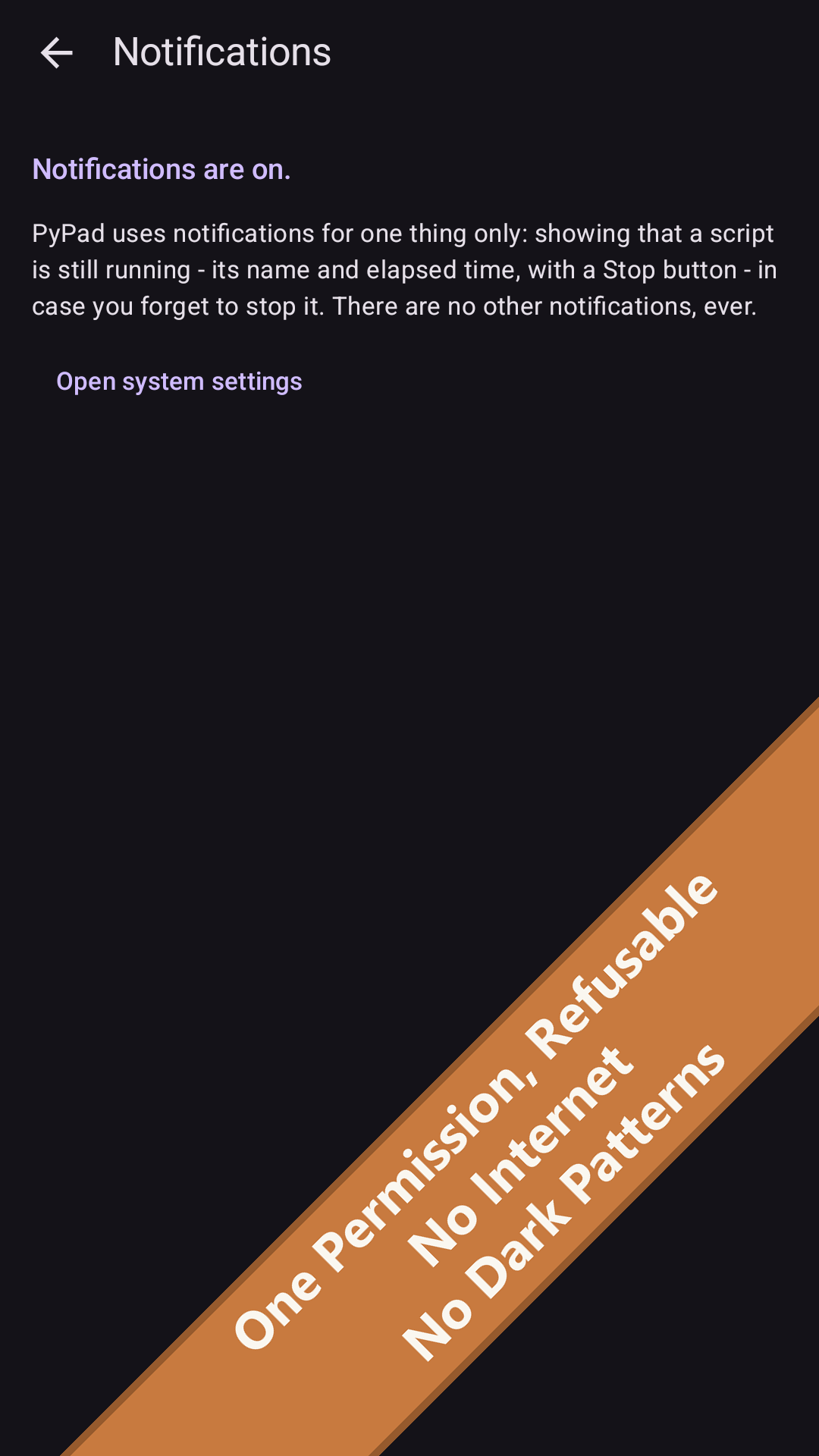
- Notifications only, and only when you first tap Run. It drives a silent ongoing notification showing which script is running, with a Stop button. PyPad works fully if you decline.
- Where your work lives
- In the app's private storage on your device. Importing and exporting happen through Android's own file picker, and go only where you point them.
- Device backup
- If you have Android's device backup switched on, Android may include PyPad's files in your own encrypted Google account backup, the same as it does for other apps. PyPad never transmits anything itself.
Read the full PyPad privacy policy, or the privacy policy of the ad-supported edition.
What's inside
PyPad bundles and credits a number of open-source components. The app has an attribution screen listing every one of them with its license, and Anatory's patches and build scripts are published through the open-source page.
- CPython 3.14, the Python interpreter and standard library
- pygame-ce (pygame Community Edition), with the SDL2 stack and FreeType
- jedi and parso, autocomplete and parsing
- CodeMirror 6, the code editor
- JetBrains Mono, the code typeface
Python is a trademark of the Python Software Foundation, and pygame is the name of a community-developed library. PyPad uses both names descriptively, to say what it runs. Anatory Software LLC is not affiliated with, or endorsed by, the Python Software Foundation or the pygame project.
Availability
- Price
- $1.99, one time. No in-app purchases, no subscription, no ads.
- Platform
- Android. There is no iOS or web version.
- Status
- Live on Google Play since August 25, 2026. Not yet available in the EEA or the United Kingdom.
- Terms
- PyPad ships under a short, plain-language terms of use. The one-sentence version: your code is yours, and the app is provided as is.
- Questions
- support@anatory.com, or see the support page.